
What Does the DarazPlay App Give You?
The DarazPlay app gives you a complete mobile gaming and sports betting experience because the app mirrors the full functionality of the web platform. You access casino games, sports events, payment tools, account features, and bonuses directly from your smartphone. The system uses SSL and TLS encryption to protect your personal data, which supports safe access for players in Bangladesh. Downloading the apk file gives you the same level of control you experience on the browser version, but with faster loading times and stable performance on mobile networks.
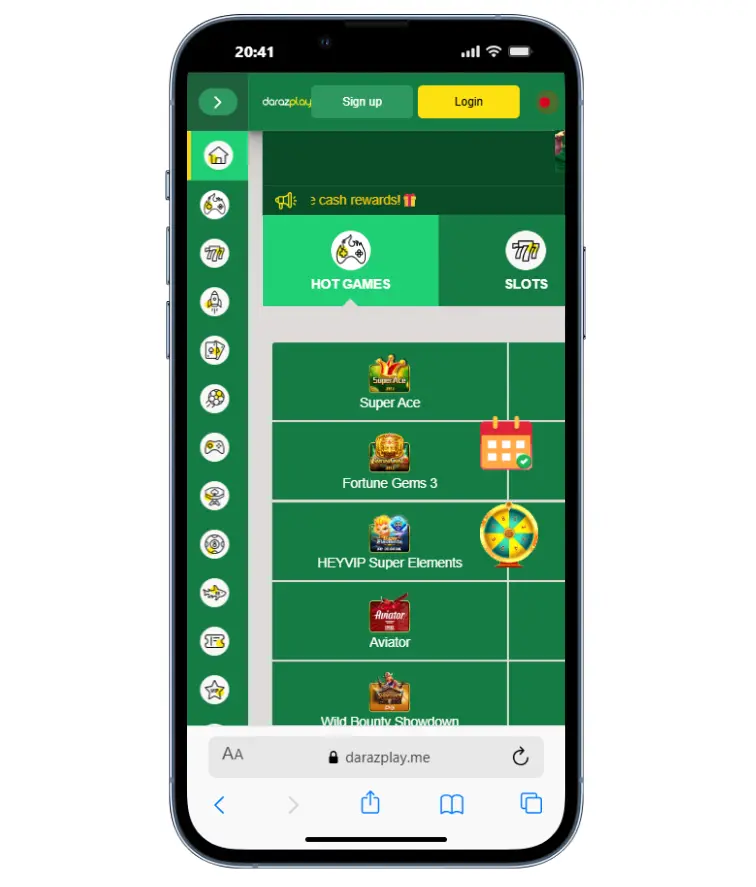
Features of the DarazPlay App
What Key Features Does the DarazPlay App Offer?
The DarazPlay app offers licensing, integrated gaming content, push notifications, strong security, convenient payments, and a structured bonus system. These features support efficient play and help you react quickly to changing events.
Main Features
- Licensed platform that signals reliability.
- Full integration of casino games and sports markets.
- Customizable push notifications for results, bonuses, and winnings.
- SSL and TLS encryption with additional security programs.
- Local payment systems with low transaction fees for Bangladesh users.
- Bonus system that activates after deposits for additional rewards.
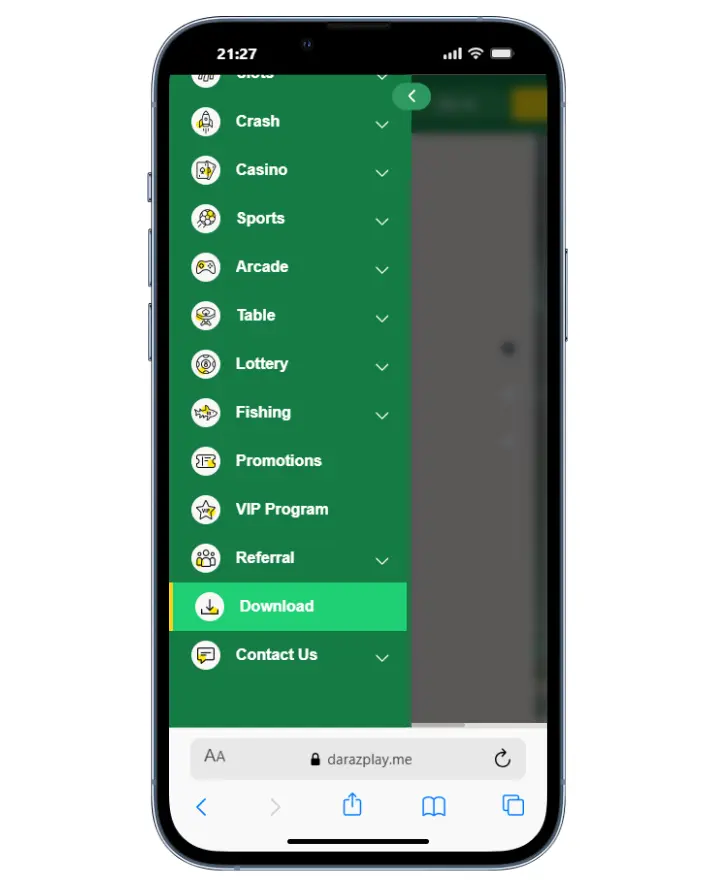
How to Download and Install the DarazPlay App
How Can You Download the DarazPlay App for Android?
You download the DarazPlay Android app by visiting the official website and selecting the dedicated installation file. The process was simplified to help every user complete the installation without assistance.
Android Installation Steps
- Open the official DarazPlay website on your mobile browser.
- Tap Application in the navigation bar.
- Select Android and tap Download.
- Open the Downloads folder and run the apk file.
- Let Android verify the file.
- Approve the installation request.
- Wait for the app icon to appear on your home screen.
- Open the app, enter your login details, and start playing.
QR Code Installation
- Open the website on your computer.
- Scan the QR code with your mobile camera.
- Download and install the app using the steps above.
DarazPlay for iOS Devices
How Can You Use DarazPlay on iOS?
You access DarazPlay on iOS through a home-screen shortcut because App Store policies restrict casino apps. The shortcut creates fast access to your account inside the Safari browser while keeping all features available.
iOS Access Steps
- Open Safari on your device.
- Visit the DarazPlay website and select the Application menu.
- Tap iOS.
- Confirm the request to add the icon to your home screen.
- Tap the icon to enter your account instantly whenever you want to play.
Mobile App Registration
How Do You Register a New Account in the DarazPlay App?
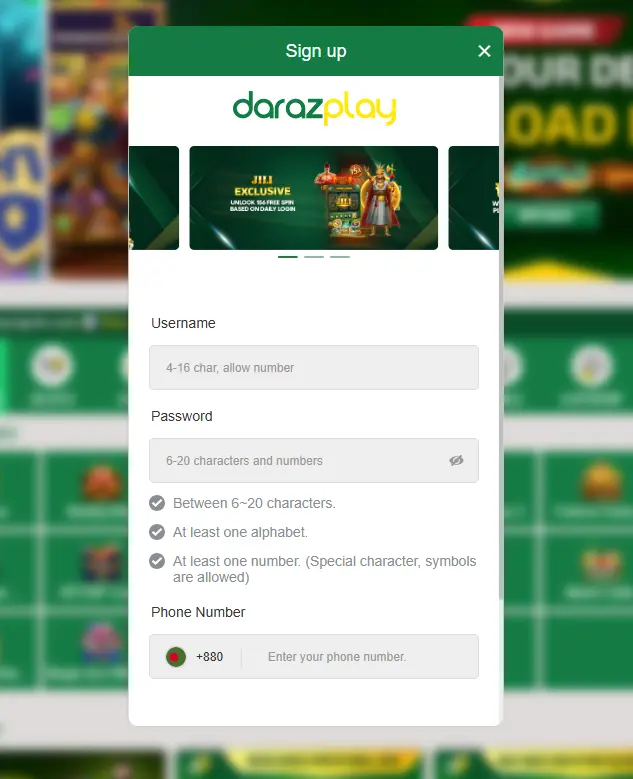
You register a new account in the DarazPlay app by opening the installed application and selecting the registration form on the login screen. The process is fast and requires only essential details.
Registration Steps
- Open the DarazPlay app.
- Tap Register on the login page.
- Enter your mobile number or email.
- Create a secure password.
- Confirm your personal details as requested.
- Approve the terms and submit the form.
- Wait for the verification message and activate your account.
Once your account is verified, you can log in and start using the app.
Mobile App Login
How Do You Log In to the DarazPlay App?
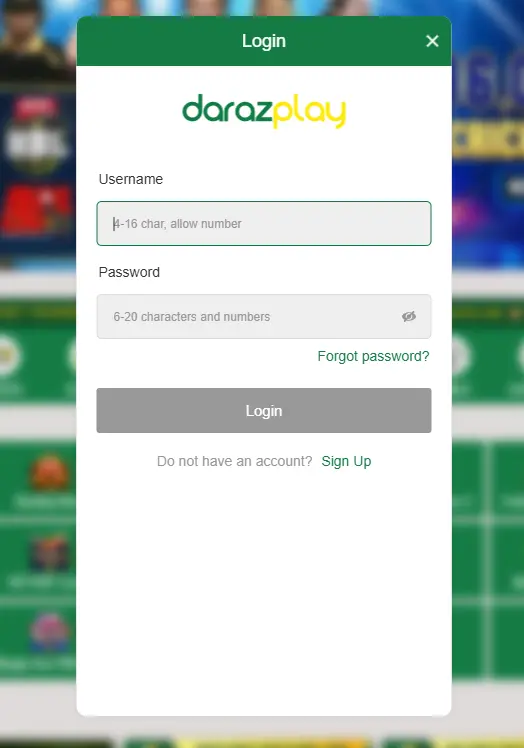
You log in to the DarazPlay app by entering your registered credentials on the home screen. The app saves your session to reduce repeated login steps.
Login Steps
- Open the DarazPlay app from your home screen.
- Enter your mobile number or email.
- Type your password.
- Tap Login to access your account.
- Enable session saving if you prefer automatic login.
Next, you learn how iOS users access DarazPlay through a browser-based shortcut.
Differences Between the DarazPlay App, Mobile Version and Web Version
How Does the DarazPlay App Perform Compared to the Mobile Version?
The DarazPlay app performs better under weak signal conditions, keeps you logged in, and sends notifications for winnings and bonuses. The browser version works but depends on connection strength and manual login.
Key Differences
- App works reliably even when the network signal is weak.
- App keeps you logged in automatically.
- App sends instant alerts for new bonuses and game results.
- Mobile browser requires manual login each session.
- Mobile browser provides no push notifications.
- App uses stronger integrated encryption than the default browser layer.